proVoice Desktop Client Windows
Installer als EXE oder MSI.


Laden Sie den Desktop‑Client herunter oder installieren Sie die Mobile‑Apps aus den offiziellen Stores.
Installer als EXE oder MSI.
DMG‑Pakete für Intel und Apple Silicon.
Installieren Sie die App direkt aus dem Google Play‑Store.
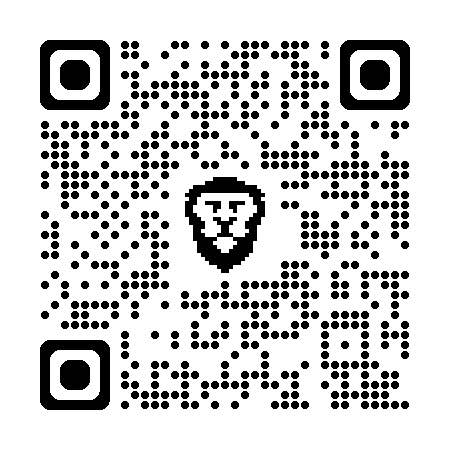 QR scannen, um die App im Play‑Store zu öffnen.
Installieren Sie die App direkt aus dem Apple App Store.
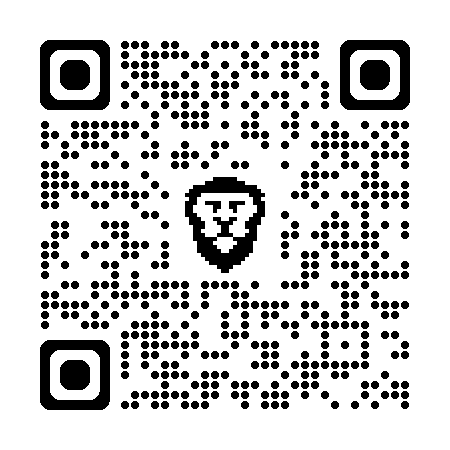 QR scannen, um die App im App Store zu öffnen.
Installations‑ und Erstkonfigurationshinweise.
Kontakt‑ und Telefonie‑App für Android und iOS.
Personalisieren und verwalten Sie Ihre Yealink-Headsets, Webcams und Freisprecheinrichtungen.
| Datei | Plattform | Download |
|---|---|---|
| ContactDesktopSetup.exe | Windows x64 | Download |
| ContactDesktop.msi | Windows x64 | Download |
| ContactDesktop.dmg | macOS (Intel) | Download |
| ContactDesktopArm.dmg | macOS (Apple Silicon) | Download |
| Provice_Contact_Desktop.pdf | Benutzerhandbuch proVoice Desktop Client | Download |
| Contact_Mobile.pdf | Benutzerhandbuch Contact Mobile | Download |
| Yealink USB Connect | Headset Software (externe Webseite) | Zur Software |
Hinweis: Android und iOS werden ausschließlich über die offiziellen Stores verteilt (keine APK‑Downloads).